
06 Aug
How to signup as a Customer
Thank you for choosing SnapMemo as your platform of choice to increase your footprint on the market.
In order to interact with SnapMemo as customer, you need to signup with us. Alternatively, SnapMemo allows you to made a booking without creating an account by conveniently automatically creating an account after you successfully book any of our exceptional artists/service providers.
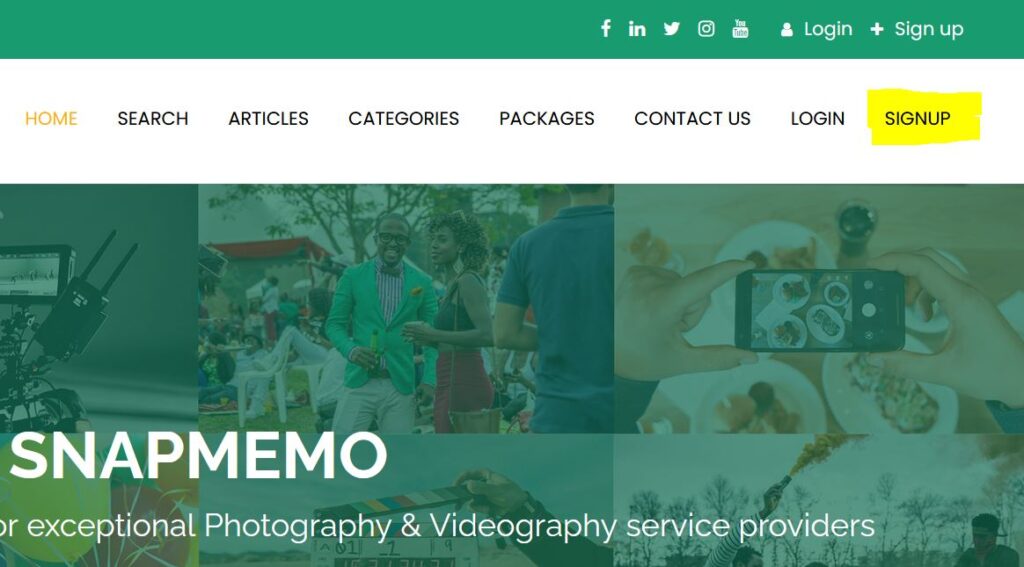
To manually create an account, Click the SIGNUP link located on the top right of the website navigation menu.
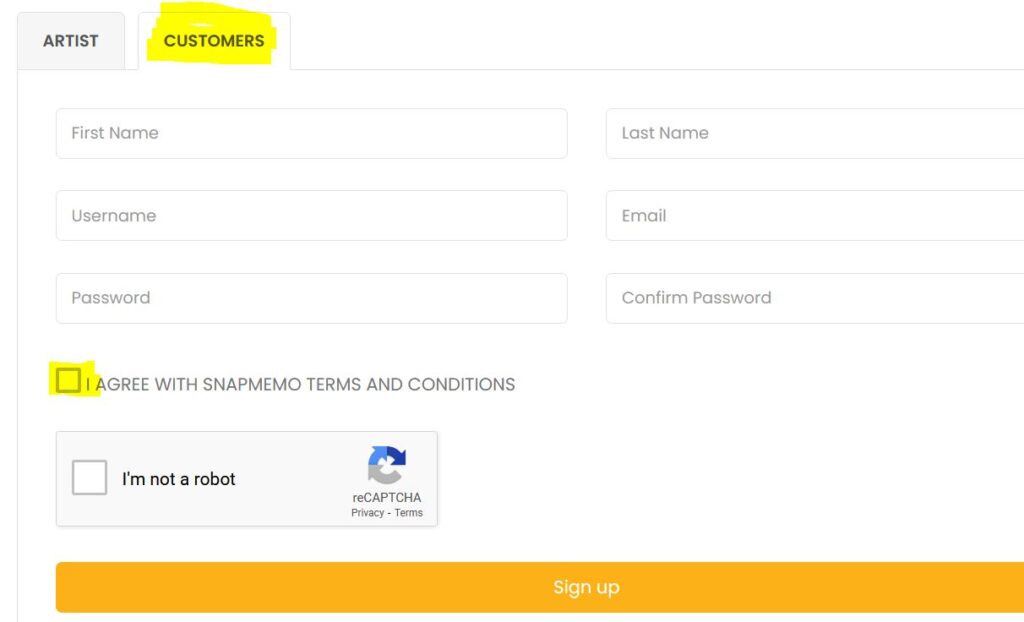
After the signup page has loaded, Click on the CUSTOMER tab. Complete the form with your information and proceed to click the Sign Up button to complete the process.